
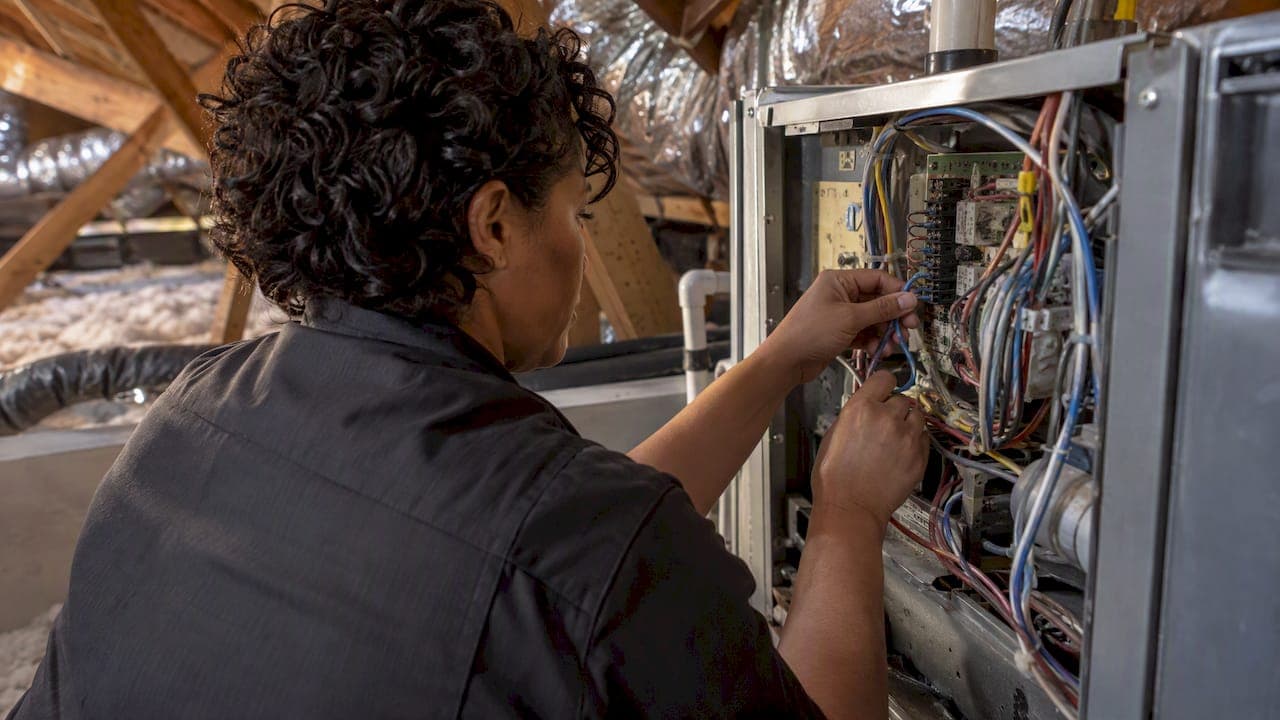
If your smart thermostat needs a C wire and your wall doesn't have one, you have four realistic options: use a spare wire already in the cable, install the manufacturer's power extender kit, have a technician run a new wire, or add a plug-in adapter. Which one fits depends on your equipment, how many wires you have and how comfortable you are working inside a furnace or air handler. This guide walks through each option, what it costs, and when to stop and call a licensed pro.
TL;DR
- The C (common) wire gives a smart thermostat constant 24-volt power. Without it you may see a dying battery, Wi-Fi drops or a blank screen.
- Your options, from cheapest to most thorough: a spare wire in the bundle, the thermostat maker's power kit, a new wire run from the equipment, or a plug-in adapter.
- Wire color is not a guarantee. Always confirm the connection at the control board, not just by color.
- Thick wires with wire nuts usually mean a line-voltage system. A standard smart thermostat does not belong there.
- Variable-speed, multi-stage, zoned and heat pump systems are worth having a technician check before you buy.
Table of Contents
- What the C wire does and why smart thermostats want it
- Step one: find out what you actually have
- The four C wire options compared
- Option 1: use a spare wire you already own
- Option 2: the manufacturer's power kit
- Option 3: run a new C wire
- Option 4: a plug-in C wire adapter
- Safety limits you shouldn't skip
- Before you buy the thermostat
- Our perspective: where C wire jobs go wrong
- When to have E320air handle it
- FAQ
- Sources
What the C wire does and why smart thermostats want it
The C wire, short for common wire, completes a 24-volt circuit between your HVAC equipment's transformer and the thermostat. A basic mechanical thermostat needs almost no power. A smart thermostat has a Wi-Fi radio, a display and a processor, so it needs steady power. ENERGY STAR notes that most smart thermostats need this continuous power, while a few models without Wi-Fi or color displays can run on batteries.
Some thermostats are designed to get by without it. Google explains that its Nest thermostats use very little power and can often draw enough from the heating and cooling wires, but in some homes a C wire or a power accessory is still needed. When power is short, the symptoms are usually a battery that drains fast, Wi-Fi that keeps disconnecting, or a thermostat that reboots.
Step one: find out what you actually have
Before choosing a fix, take the cover off your old thermostat and look at the wires. Photograph the terminals first, and label each wire with tape before you disconnect anything. Turn off power to the HVAC system at the breaker or the switch on the furnace first.
Look for three things:
- A terminal labeled C. If a wire is already attached, you're likely done. Check that the same wire is connected to the C terminal at the equipment.
- Unused wires. Thermostat cable usually holds more conductors than the system uses. Spare wires are often folded back behind the plate.
- Wire thickness. Thin, low-voltage wires are what you want. Thick black or white wires joined with wire nuts point to a line-voltage system. Honeywell's installation guidance says its thermostat cannot operate with line voltage systems and tells you to contact support if that is what you have.
The wire color is not a standard. Blue and black are common for C, but the safest check is where the wire lands at the control board, which is what professionals confirm rather than trusting color alone.
A note on R and W only systems
If your thermostat has just an R wire and a W wire, you probably have a heat-only system, such as a gravity furnace or a hot-water boiler. Ecobee explains that whether you can install its thermostat depends on how many wires run between the thermostat and the equipment. Two-wire setups are the ones most likely to need new wiring or an adapter kit.
The four C wire options compared
| Option | Typical cost | Skill needed | Best for |
|---|---|---|---|
| Use a spare wire in the existing cable | Often just your time, plus a short jumper if needed | Moderate, with access to the control board | Homes with 5 or more conductors and some unused |
| Manufacturer power kit (PEK or power connector) | Ecobee lists its Power Extender Kit at $24.99 | Moderate | Homes with too few wires and a compatible 24-volt system |
| New wire run by a technician | $120 to $200 typical nationwide per Angi; one 2026 cost guide shows $150 low, $350 average, $750 high | Professional | Long or difficult runs, or when other options fail |
| Plug-in C wire adapter | Varies by product | Low to moderate | Renters and short-term fixes where you can't open walls |
Treat the cost figures as published ranges, not quotes. Wire length, access and your control board all change the price.
Option 1: use a spare wire you already own
This is the cheapest fix and the one many technicians try first. It is common practice to wrap unused wires around the cable bundle behind the wall plate rather than cut them. InspectApedia describes the same approach: if a spare conductor exists, it can often be connected to the C terminal at both the thermostat and the HVAC control board, which avoids a new wiring run.
The steps look like this:
- Shut off power to the HVAC system at the breaker.
- Find a spare wire at the thermostat and note its color.
- Open the furnace or air handler panel and find the same-colored wire at the control board. It may be loose or capped.
- Connect it to the C terminal on the board.
- Connect the other end to the C terminal on the new thermostat base.
- Restore power and confirm the thermostat powers on.
The catch is step 3. Wires in a long cable can be tangled, and a wire that looks spare at the thermostat might be tied to something else at the equipment. If you can't trace it with confidence, that's a good moment to stop. Our guide on upgrading a thermostat safely covers the general precautions.
Option 2: the manufacturer's power kit
When the cable has no spare conductor, most smart thermostat makers sell a kit that borrows power from existing wires. Ecobee's Power Extender Kit is built for homes without a common wire and is compatible with most 24-volt systems. Its page also says most ecobee models include it in the box, except the Essential and Lite, and points to a compatibility checker you should use before buying. Google offers the Nest Power Connector for the same job, and its help page says it's one of the two usual fixes for power problems, alongside connecting a C wire.
The kit usually installs at the furnace or air handler control board, where it splits the signal and keeps the system's call for heat or cooling working while leaving enough power for the thermostat. That means you will be inside the equipment, so the same shutoff rules apply.
One warning from Google's support page: some third-party adapters can cause trouble even when they claim compatibility, and using the connector the maker provides or recommends is the safest path. If your thermostat came with its own kit, use that one.

When a power kit is the wrong tool
These kits are designed for conventional 24-volt systems. They are not a fix for every setup. Ask a technician first if you have:
- A heat pump, especially with auxiliary or emergency heat
- A multi-stage or variable-speed furnace or air conditioner
- A zoned system with a zone control board
- A system with only two wires
ENERGY STAR advises checking compatibility before you buy and says you may benefit from consulting an expert, since variable-speed, multi-stage and zoned equipment often calls for professional installation.
Option 3: run a new C wire
A new wire is the most durable answer. A technician runs a fresh multi-conductor thermostat cable from the control board to the thermostat location, or replaces the old cable with one that has more conductors. The result is a permanent common wire that doesn't depend on a workaround.
What drives the price:
- Distance. The longer the run between equipment and thermostat, the more wire and labor.
- Access. Open attic or crawlspace routes are quick. Finished walls, two-story homes and slab construction take longer.
- Control board. Some boards need a transformer or other component before they can support the added load.
Angi's 2026 figure of $120 to $200 covers a typical job, and it separately warns of $300 to $2,100 for electrical extras such as surge protectors or panel upgrades during the same visit. That upper range is not what most homeowners pay for a simple wire run, but it shows why a written estimate matters. A broader thermostat replacement, per HomeAdvisor, runs $114 to $264 for professional installation, with labor at $65 to $100 per hour, and wiring condition is one of the factors that sets the final price.
Option 4: a plug-in C wire adapter
Some products plug into a wall outlet or sit in a separate power supply and feed 24-volt power to the thermostat. They can help when you can't open walls or equipment panels, or when you rent. They also add something to maintain, and, as noted above, adapters from third parties are the ones most often reported to cause trouble. If you go this route, pick one that your thermostat's maker lists as compatible and keep the receipt.
If you own the home, a permanent fix, either a power kit or a new wire, is generally the cleaner answer.
Safety limits you shouldn't skip
HVAC control boards carry low voltage, but the furnace or air handler has line voltage and moving parts nearby. Three rules:
- Power off first. Turn off the breaker and the equipment switch before touching a panel or wire.
- No line-voltage thermostats. Baseboard heaters and some wall heaters use a line-voltage thermostat with thick wires. Connecting a 24-volt smart thermostat to that kind of circuit risks electrical shock and will destroy the thermostat. If you see thick wires and wire nuts, call a licensed electrician or HVAC technician.
- Don't guess on a heat pump. Heat pumps use extra terminals for the reversing valve and backup heat. A wrong connection can leave you with no heat or the wrong mode. If you're weighing a heat pump project, a heat pump installation guide gives the wider picture of what the equipment involves.
If you smell burning, see scorch marks, or the system trips a breaker after you touch it, shut it off and call a technician rather than retrying.
Before you buy the thermostat
Most C wire headaches begin at the store. A short checklist saves a lot of rework:
- Use the maker's online compatibility checker with your wire labels.
- Count conductors in the cable, not just the ones attached.
- Note your equipment type: single-stage, multi-stage, variable-speed, heat pump or zoned.
- Decide whether you need smart features at all. Our post on what thermostat features matter can help you rank them, and the guide on smart HVAC controls explains what the extra features do.
- If your system is zoned, read up on how HVAC zoning works before touching any wiring.
If the thermostat is already installed and acting up, run through our safe thermostat checks first. A dead display is not always a power problem, and dead batteries, a tripped breaker or a float switch can look the same.
Our perspective: where C wire jobs go wrong
We see the same pattern again and again in Inland Empire homes. Someone buys a smart thermostat on sale, opens the wall, finds no blue wire, and then makes a guess. In our experience the guess is where trouble starts, not the missing wire itself.
Here is how we approach it. We start at the equipment, not the wall. A thermostat tells you very little about what the control board is doing, so we confirm what is landing where, then decide whether there is a spare conductor, whether the maker's kit is a fit, or whether a new run is the better value. A new wire in an open attic can be quick. In a finished two-story home, a power kit may be the smarter choice, as long as the system is a plain 24-volt setup.

We also push back on the idea that the cheapest fix is always best. A kit that costs a few dollars but leaves a heat pump in the wrong mode costs more than doing it right the first time. And when the system is old, the thermostat question often turns into a bigger one: is it worth pairing a new thermostat with equipment that is already near the end of its life? We'd rather you know that before you spend on a smart thermostat the system can't take full advantage of.
Our technicians are licensed and insured, work on all major brands, and explain what they find in plain terms, so you can decide what to fix and what to leave alone.
— Edward
When to have E320air handle it
Call a technician if you have a heat pump, zoned or multi-stage equipment, a two-wire system, thick line-voltage wires, or if you're simply not sure which wire goes where. We install and service residential and commercial systems across the Inland Empire, from Riverside and Moreno Valley to Fontana, Corona, Redlands and Hemet, and we can handle the thermostat wiring as part of a repair, a tune-up or a new system installation. If your heat has stopped working, our heater repair team can look at the thermostat and the equipment in one visit. You can also see how we approach tricky jobs in our problem solving gallery, or start from our home page to request service. We're available around the clock, including weekends and holidays, and offer flexible payment options, including financing.
FAQ
What color is the C wire?
Blue is the most common, and black is also used, but there is no standard. What matters is the terminal it connects to at the equipment's control board. Verify it there before you reuse it.
Can I use a smart thermostat without a C wire?
Sometimes. Some models, including Nest thermostats, can often draw enough power from the heating and cooling wires. Others need a power kit or a new wire, and a few can run on batteries if they don't have Wi-Fi or a color display. Check the maker's compatibility tool for your wiring.
How much does it cost to add a C wire?
Angi puts professional C-wire installation at $120 to $200 nationwide for materials and labor in 2026, while another 2026 guide lists a $150 to $750 range. A manufacturer power kit such as Ecobee's costs $24.99 if one isn't included. Long runs, finished walls and control board upgrades raise the price.
Can I connect a smart thermostat to a baseboard heater?
No, not a standard 24-volt smart thermostat. Baseboard and some wall heaters run on line voltage, which can shock you and destroy the thermostat. Look for thick wires with wire nuts, and call a licensed pro if you see them.
Sources
- Smart Thermostats | ENERGY STAR
- Learn about the common or C wire | Google Home and Nest Help
- Nest Power Connector | Google Home and Nest Help
- Thermostat C-Wire How to Add a Common Wire | InspectApedia
- Power Extender Kit | ecobee
- How Much Does C-Wire Installation Cost? | Angi
- C Wire Installation Cost | Current Cost
- How Much Does Thermostat Replacement Cost? | HomeAdvisor
- How To Wire A Wi-Fi 9000 Color Touchscreen Thermostat | Honeywell Home
- 3-wire heat-only thermostat compatibility | ecobee Support